I'm not getting emails from CitedSEO
CitedSEO emails the address you sign in with. Besides sign-in codes and invites, it sends only what your notification settings for that site ask for. Here's what to check.
Written By Damian
Last updated About 2 hours ago
CitedSEO emails only the address you sign in with. Apart from sign-in codes and invites, it sends only what your own settings in Settings › Notifications ask for, for the site you're on. Check the address under Email in Settings › Profile, then check your report and alerts in Settings › Notifications. If both are right, look in your spam folder for mail from mail.citedseo.ai and updates.citedseo.ai.
What CitedSEO emails, and from where
If mail from these addresses lands in spam, mark it as not spam or add the addresses to your contacts.
What to check
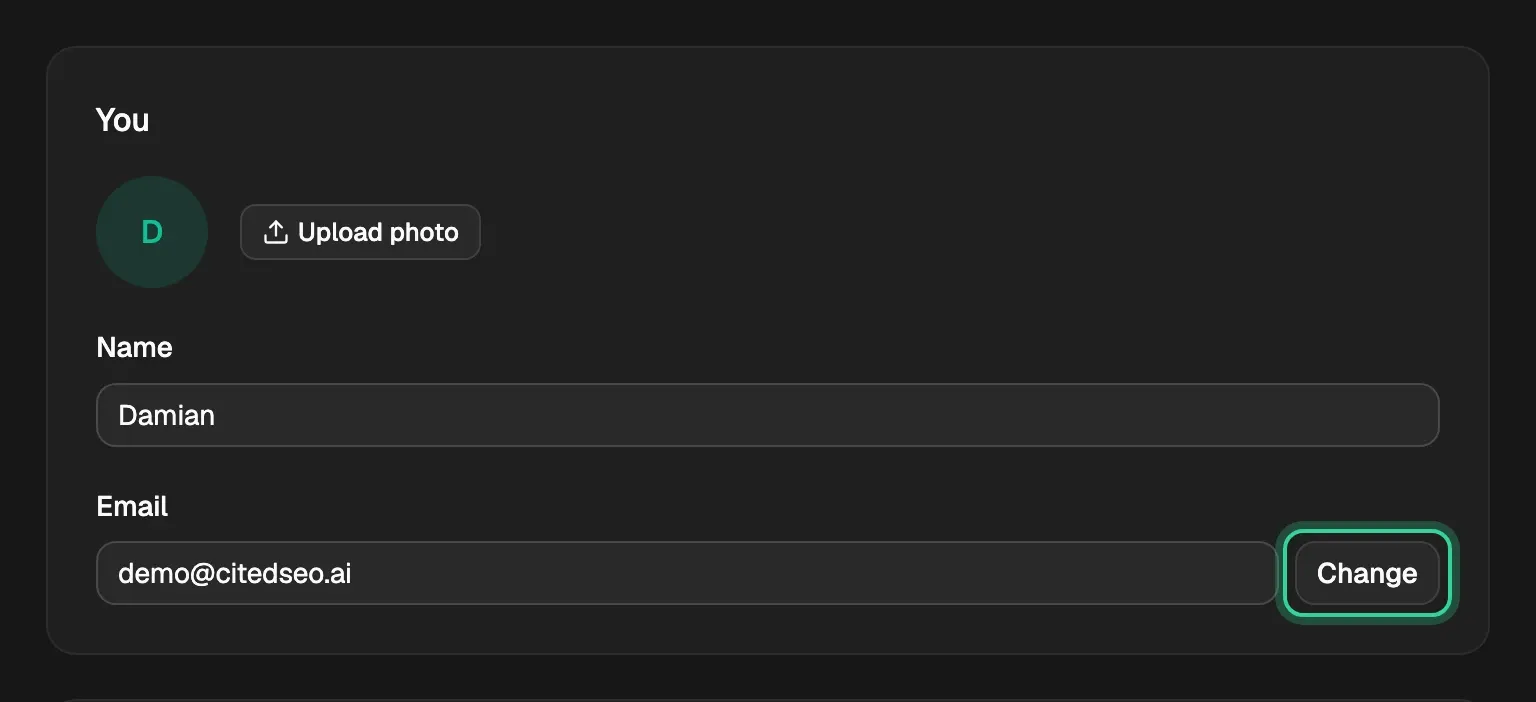
- The address. Everything goes to the email you sign in with. To use another, press Change beside Email in Settings › Profile.
- The site. Your settings are your own for each site. If you have more than one, check Settings › Notifications on each.
- Your report. Off sends no report email; your reports stay in Reports. Choose Weekly or Monthly, then press Save changes.
- Your alerts. Under Tell me when, check that Something waits for your OK and Something needs fixing are on, then press Save changes.
- Autopilot. Something waits for your OK only comes for kinds of change that don't ship on their own. With New articles on in Autopilot, new articles don't wait for you, so there's nothing to tell you.
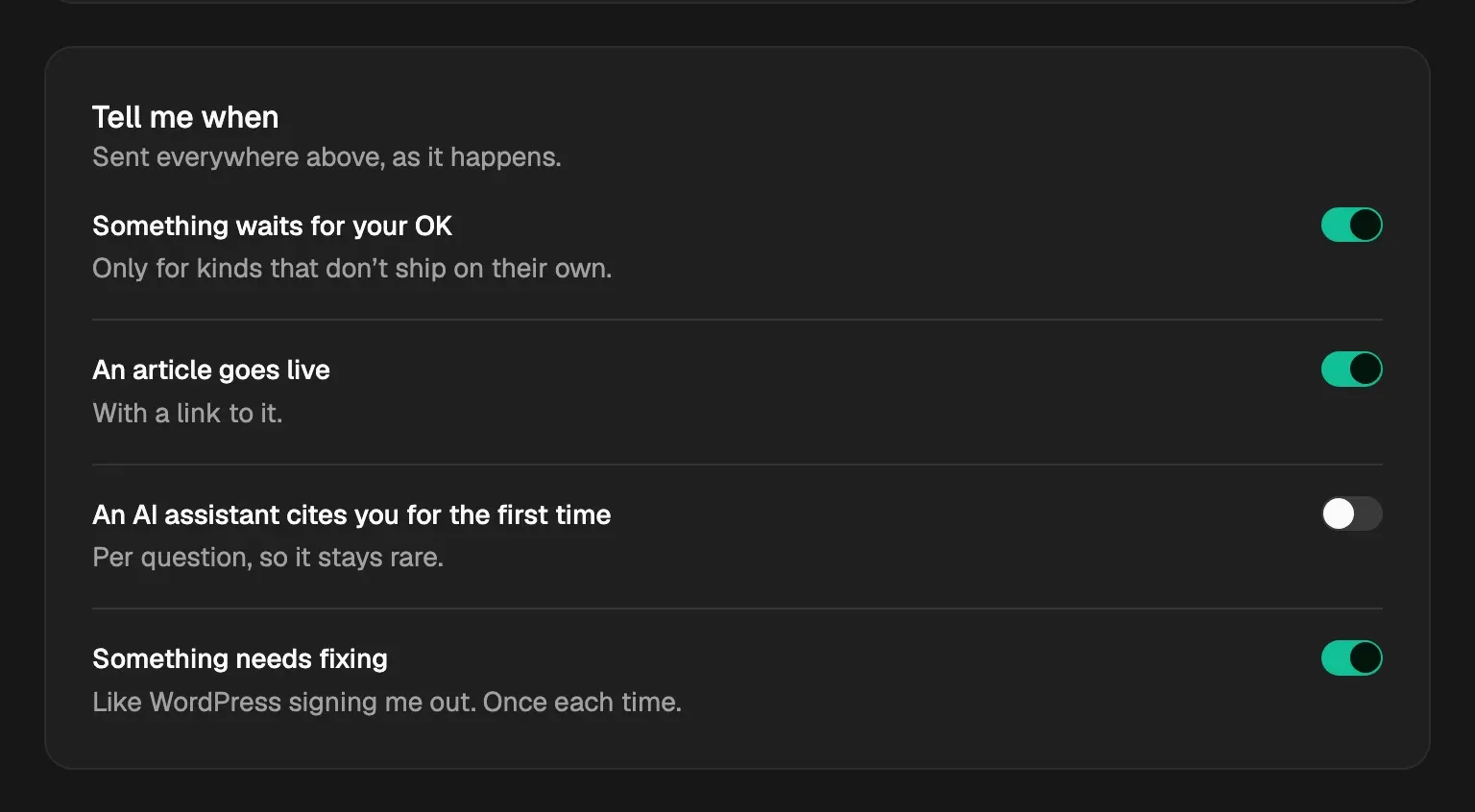
Email can't be turned off. If you'd rather approve from a chat app too, Slack and Telegram are in the same place: see Choose what CitedSEO tells you, and where.
Related
Was this helpful?
Still need help? Share an idea