How the opportunity queue works
How CitedSEO finds changes worth making, puts them in order, prepares them and starts one a day.
Written By Damian
Last updated About 2 hours ago
Each day CitedSEO looks through your site's numbers for changes worth making and adds each one to Opportunities as a card. It ranks them by what each could bring, writes a plan for the best few, and starts one each day. A card moves from Spotted (found) to Needs your OK (planned) to Scheduled (approved), and then to Shipped once it's live.

What CitedSEO looks at
Every day it reads your pages, the searches it researches for your site, your Search Console numbers once you connect it, and the latest answers from AI assistants. A problem it finds again has its numbers brought up to date, and one it no longer finds leaves the queue, since the data no longer backs it. A card you approved is left as you approved it.
The kinds of opportunity
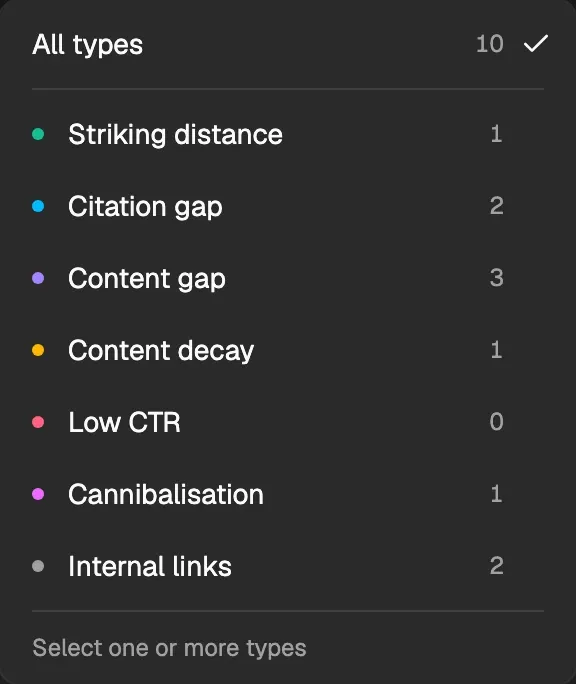
Every kind but Content gap works on articles CitedSEO wrote, so those wait until your first article is live. Striking distance, Content decay, Low CTR and Cannibalisation read your Search Console numbers, so they also wait until you connect it. A kind that's still waiting is locked in the type filter, under Needs Search Console or Once your first article is live.
How they're ordered
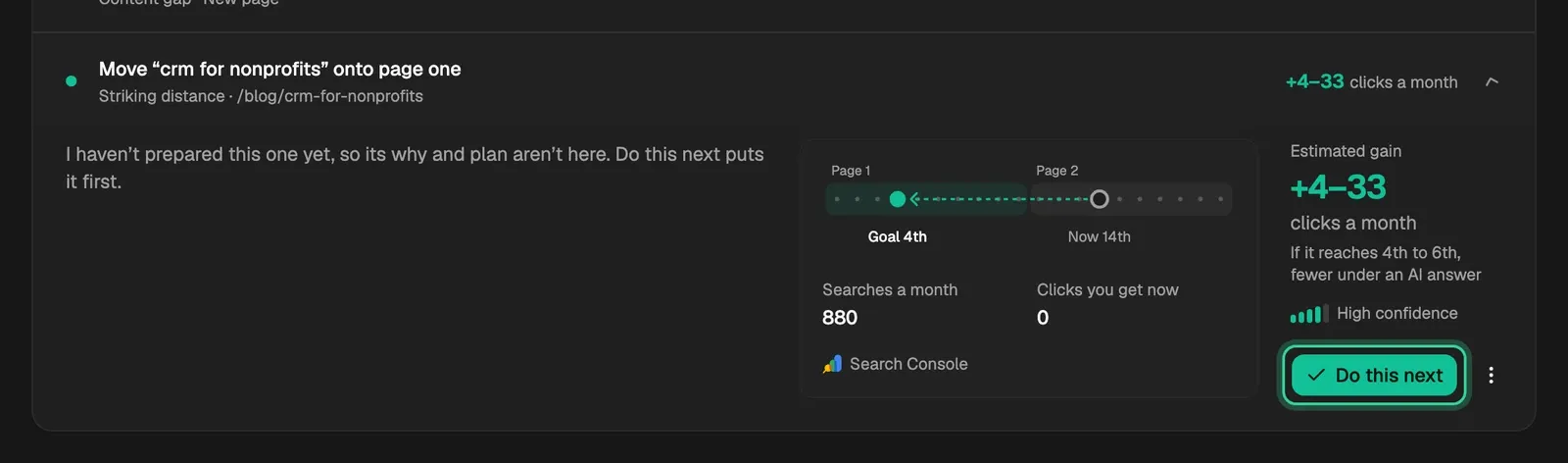
Each card has an estimated gain, such as clicks a month or AI assistants citing you, and how sure CitedSEO is of it. The queue is ranked by the two together, so a smaller gain CitedSEO is surer of can come before a bigger, less likely one. A card aimed at AI citations or links never claims clicks, but it's given a worth so it can take its place among the others. Do this next puts a card ahead of the ranking.
Most clicks, Newest and Smallest change only sort what you're looking at; they don't change what CitedSEO does next.
Spotted, Needs your OK and Scheduled
- Spotted: found and ranked, with the numbers behind it, but no plan yet. Each day CitedSEO plans from the top of the list until a week's worth is waiting or scheduled, up to five a day.
- Needs your OK: planned, with the reason and What we'll change, waiting for you. See Approve, skip or hold a change.
- Scheduled: approved, or covered by Autopilot, with when it should go live.
- Shipped: what went live, each one with a way to undo it.
One change a day
One scheduled card's work starts each day, best first, after your site's Publish time (in Settings › Site details), and goes live at the next daily slot. Scheduled to ship at the top says when the next one goes live, with a tick for each of the next seven days that has one.
When a card comes back
Something that went live isn't suggested again for eight weeks, and something you skipped for six months. If CitedSEO finds the same problem after that, it comes back as a new card.
Related
Was this helpful?
Still need help? Share an idea