Build, download and share a report
Reports shows what went out, what moved in Google and what got cited for any dates you pick, and passes it on as a link, a PDF or a CSV.
Written By Damian
Last updated About 2 hours ago
Open Reports and pick the dates at the top right: the report for those dates builds on the spot. Copy link copies a link anyone can open without logging in, and Download gives you the same report as a PDF or its numbers as a CSV.
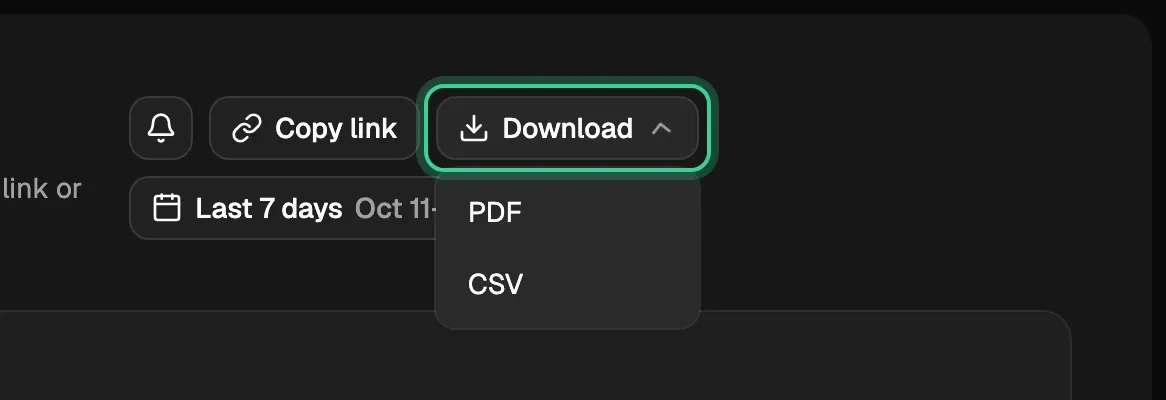
Pick the dates
The date picker has Last 7 days (where it starts), Last 28 days, Last 3 months, Month to date, Last month and Since you joined, or any dates you choose. Search Console keeps 16 months, so a report can start before you joined.
What's in a report
Every number is compared with the same number of days just before.
- A sentence on what went out and what moved.
- What shipped: the changes and the new articles that went out in those dates.
- What moved in Google: clicks, times you showed up and average position, then Pages that grew, New articles on their way with the stage each has reached, and Dipped, with a fix already queued. When the dates include the last two days, it says they're still coming in from Google.
- AI visibility: how many of your questions AI cites you for, and the brands named most. AI answers are checked once a week, so short dates may hold one check or none, and the report says so rather than showing a change.
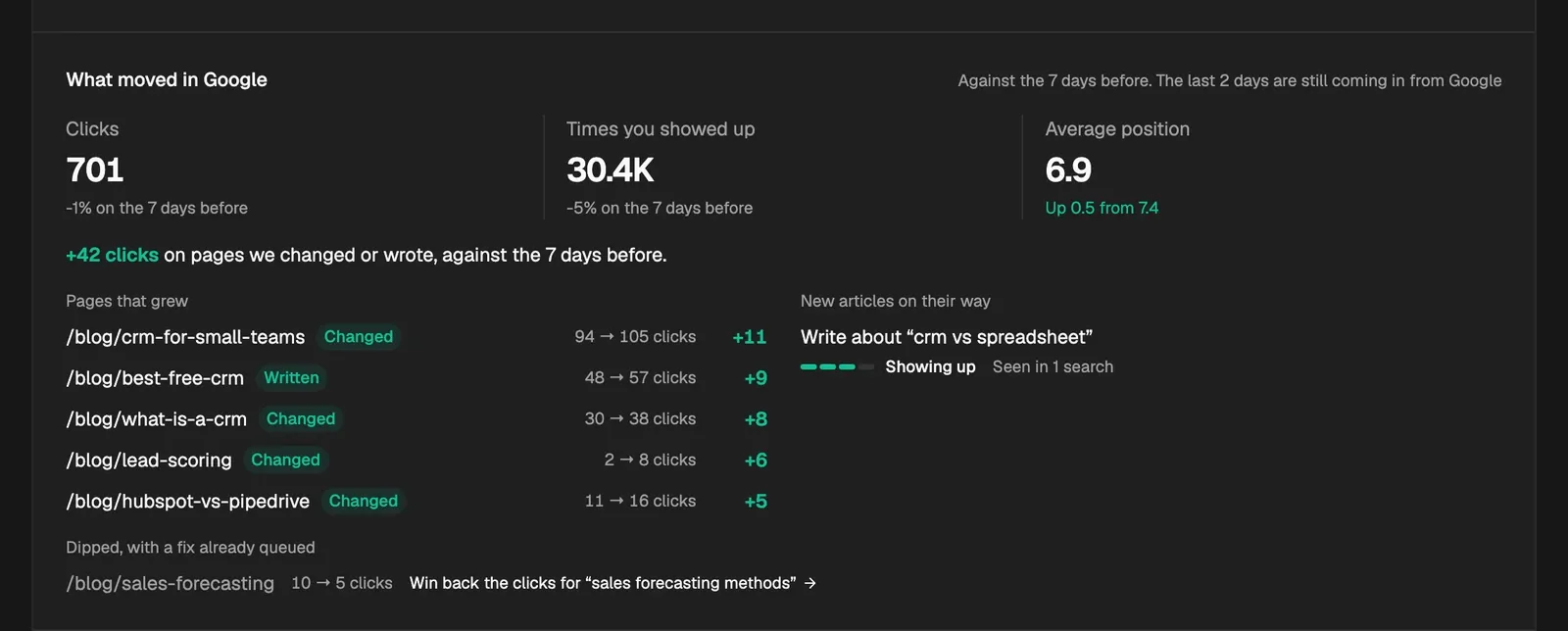
A report is built from the same numbers and rules as Home and the Google page, so it never says something the app wouldn't.
Share it
Copy link copies a link to exactly the dates you're looking at. A preset like Last 7 days is written into the link as dates, so the person you send it to sees what you saw, even days later. The shared page is the same report without the rest of the app, and search engines are told not to list it.
Anyone with the link can open it. To stop every link already sent from working, go to Settings › Notifications and press Reset report links, then copy a fresh link from Reports.
Download it
Download › PDF is the shared page printed, so it reads exactly as the link does. Download › CSV is the numbers behind it, each beside the days before, then what shipped and the pages that moved.
Get it by email
The bell beside Copy link (Change who gets this) opens Settings › Notifications. Under Your report, pick Weekly (Monday morning, the week before), Monthly (the first Monday of the month, the four weeks before) or Off, and which sections it holds.
Related
Was this helpful?
Still need help? Share an idea