When articles go live
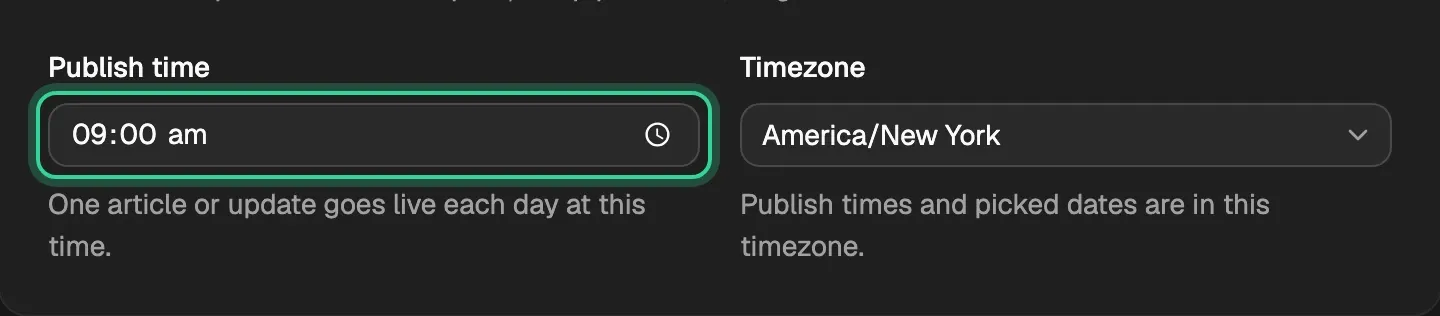
One article or update goes live each day at your site's publish time. Publish now sends a scheduled one straight away.
Written By Damian
Last updated About 2 hours ago
One article or update goes live each day, at your site's publish time. You set the time and timezone in Settings › Site details. An article that's ready and approved waits in Scheduled for its day, and Publish now on its page sends it straight away.
The daily slot
- Each day at your publish time, the next approved article or update goes live. Only one goes each day, so if several are waiting, they go one a day.
- After the slot, CitedSEO also starts work on the next approved change in Opportunities. What that work makes goes live at a later slot, like any change.
- Timezone sets which day and hour that is. Change either in Settings › Site details, then save.
What has to happen first
An article or update gets a slot once it has passed its checks and it's approved: by you, or by the Autopilot switch for that kind of change.
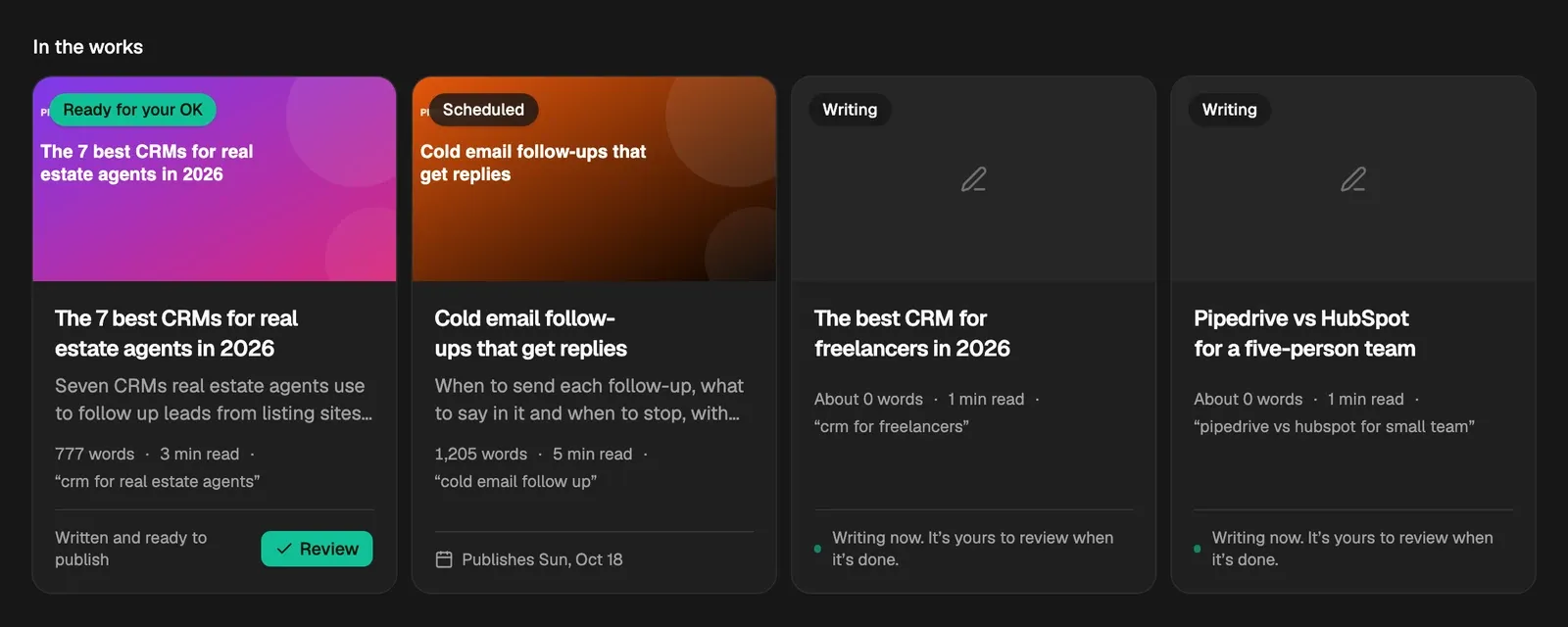
On the article's page, an article waiting for you is marked Ready for your OK. Press Publish to approve it: it moves to Scheduled and takes the next free daily slot. In Articles, a scheduled article's card says the day it publishes.
Publish now
A scheduled article has Publish now at the top of its page. It sends the article at once, without waiting for its day, and doesn't use up the daily slot.

You can't press it while that article is already being sent ("It's being published now"), and an article that's live has View on site instead.
Undo goes at once
When you undo something from Opportunities › Shipped, the article as it was goes live straight away, as long as nothing else on it is waiting for your OK.
Related
Was this helpful?
Still need help? Share an idea