Publish from your own code
If your site isn't on WordPress, its own code can show your articles from the feed, and webhooks tell it when one goes live or changes.
Written By Damian
Last updated About 2 hours ago
Your site's code reads your articles from your feed, which needs no key, and can add a webhook to hear the moment one goes live or changes. Everything a developer needs is at developer.citedseo.ai. This article only says where to find each part in CitedSEO.
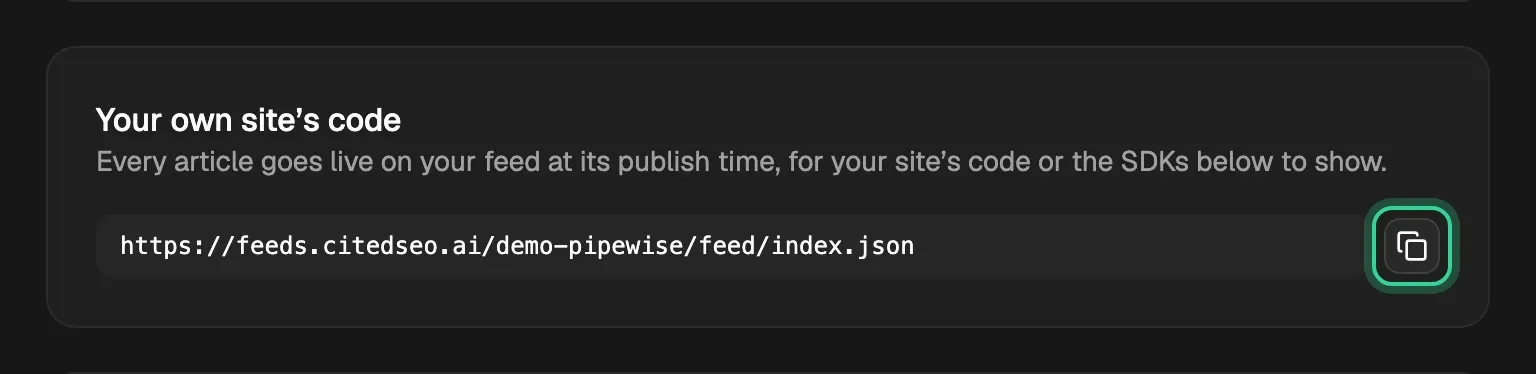
Your feed address
Open Settings › Publishing. Under Your own site's code is your feed address, with a button to copy it. The first part of its path is your site ID, which is all the feed needs. Every article goes live on the feed at its publish time, whatever else you've connected.
- Quickstart: show your first article.
- Your site ID, and why it's safe in the browser.
- Read the feed: the files and what each article holds.
SDKs
Under the feed address, SDKs links to a package for Next.js, Astro, React Router, Nuxt and SvelteKit, each with its own guide. JavaScript and TypeScript covers the package they're built on.
Webhooks
Add an endpoint in Settings › Webhooks with Add endpoint. It must be an https address. CitedSEO shows the endpoint's signing secret once, so copy it then.
- How webhooks work, and verifying the signature.
- Update the moment you publish: rebuild or clear a cache when an article goes live.
Tip: Set up with AI has the docs in a form a coding agent can read, so it can add the blog pages to your site for you.
Related
Was this helpful?
Still need help? Share an idea