Add your site
Give CitedSEO your site's address and it reads the rest. You check what it found over a few short steps.
Written By Damian
Last updated About 2 hours ago
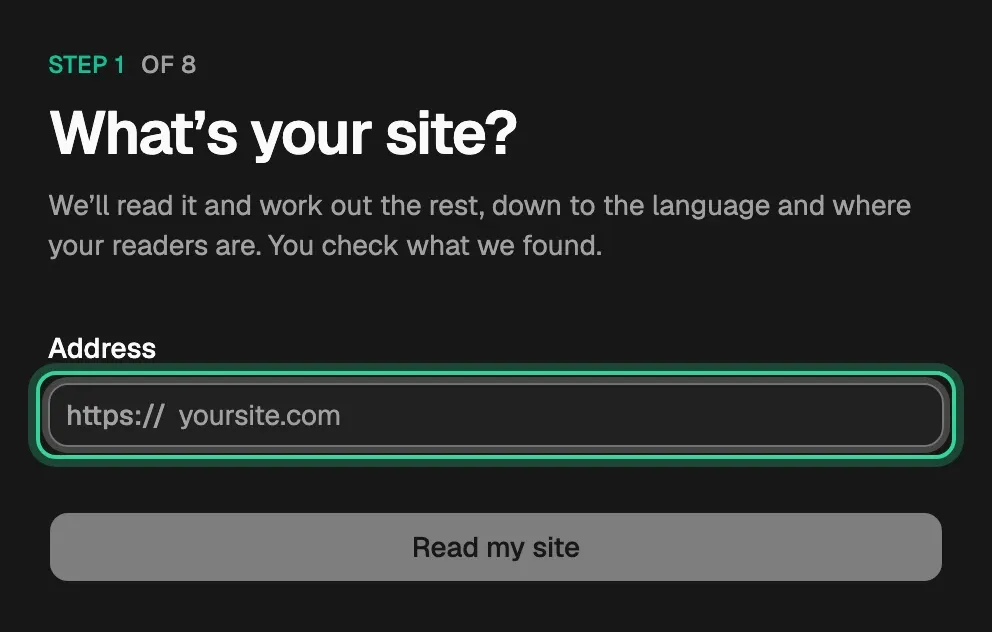
To add a site, type its address and press Read my site. CitedSEO reads your site and fills in the rest, and each step after that asks you to check what it found rather than fill in a form. Your first site starts this way after you sign up; to add another, open the site menu at the top of the sidebar and pick Add site.
Reading your site
While CitedSEO reads, a checklist shows how far it has got:
- Reading your pages
- Working out what you do
- Finding your competitors
- Asking AI assistants about you
- Lining up first opportunities
What you check next takes under a minute, then See what we found goes on. Your competitors, AI answers and first opportunities follow, and keep going if you close the tab.
The steps
Your Search market is the country your searches and AI answers are checked in. It doesn't limit who can read your site.
Everything you answer here is the same as in Settings, so you can change any of it later.
If you skip a step
Finish later, at the top of each step, takes you into the app. A Finish setup list at the bottom of the sidebar keeps what's left, such as Connect Search Console, until it's done.
Related
Was this helpful?
Still need help? Share an idea