Approve, skip or hold a change
Every change CitedSEO wants to make to your site is a card in Opportunities. Here's what each button on it does.
Written By Damian
Last updated About 2 hours ago
Each change CitedSEO wants to make to your site is a card in Opportunities. Approve lets it go ahead, Skip this one drops it, and Hold for my OK stops a scheduled one so it waits for you again. While your site is on Approve first, every card waits in Needs your OK until you decide.
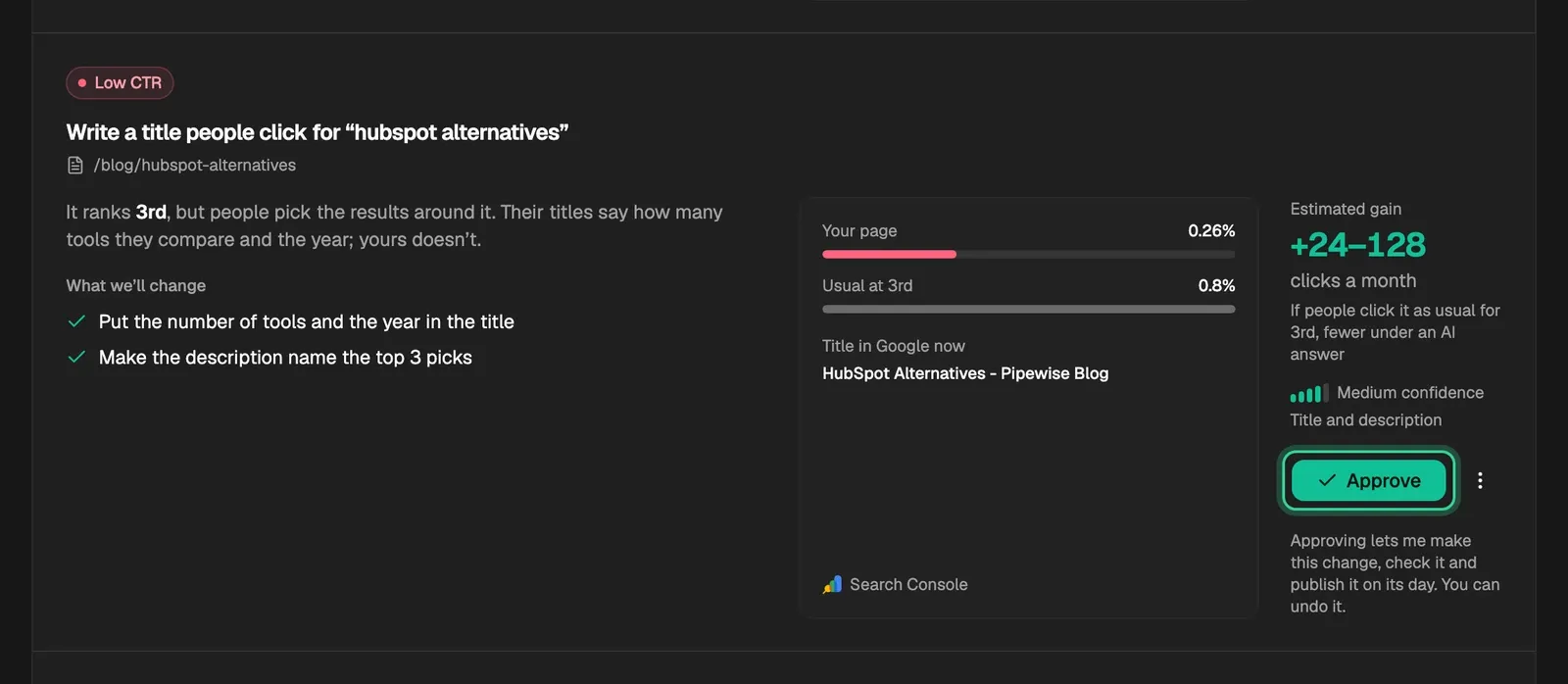
Each card shows:
- What we'll change: the steps of the change, written before any of it is made.
- Why: the reason in plain words, with the numbers behind it from Search Console, keyword data or AI answers.
- Estimated gain: what the change aims for, such as clicks a month or AI assistants citing you, with how sure CitedSEO is. It's an estimate, not a promise.
Approve
Approve lets CitedSEO make the change, check it and publish it on its day. The card moves to Scheduled, which shows when it should go live.

- CitedSEO starts one change a day, after your site's publish time, and the change goes live at the next daily slot.
- A new article is written and checked first. If New articles is off in Autopilot, the finished article then waits in Articles, marked Ready for your OK, until you press Publish.
- Once it's live, you can undo it from Opportunities › Shipped.
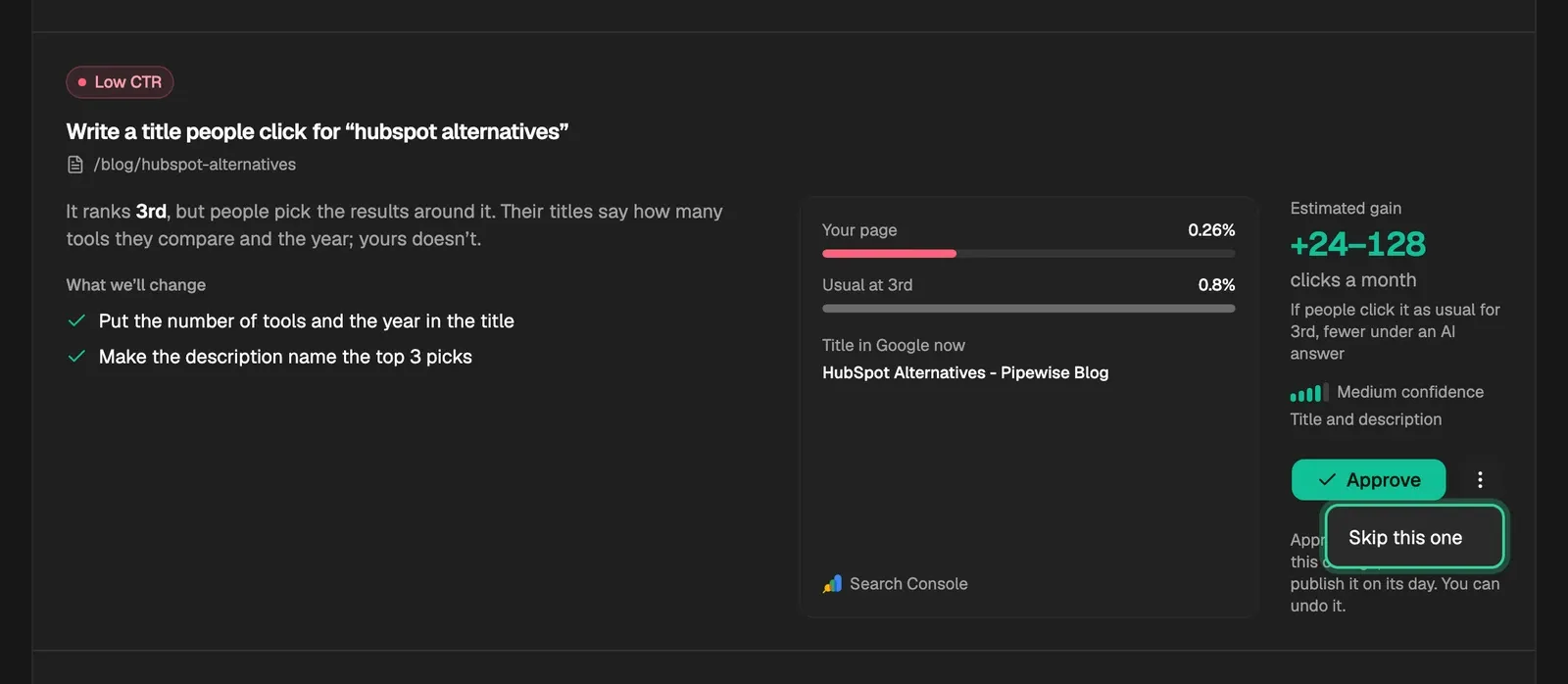
Skip this one
Skip this one is in the card's ⋮ menu. It takes the card out of the queue. CitedSEO won't suggest the same change again for six months; if it finds the same problem after that, it comes back as a new card.
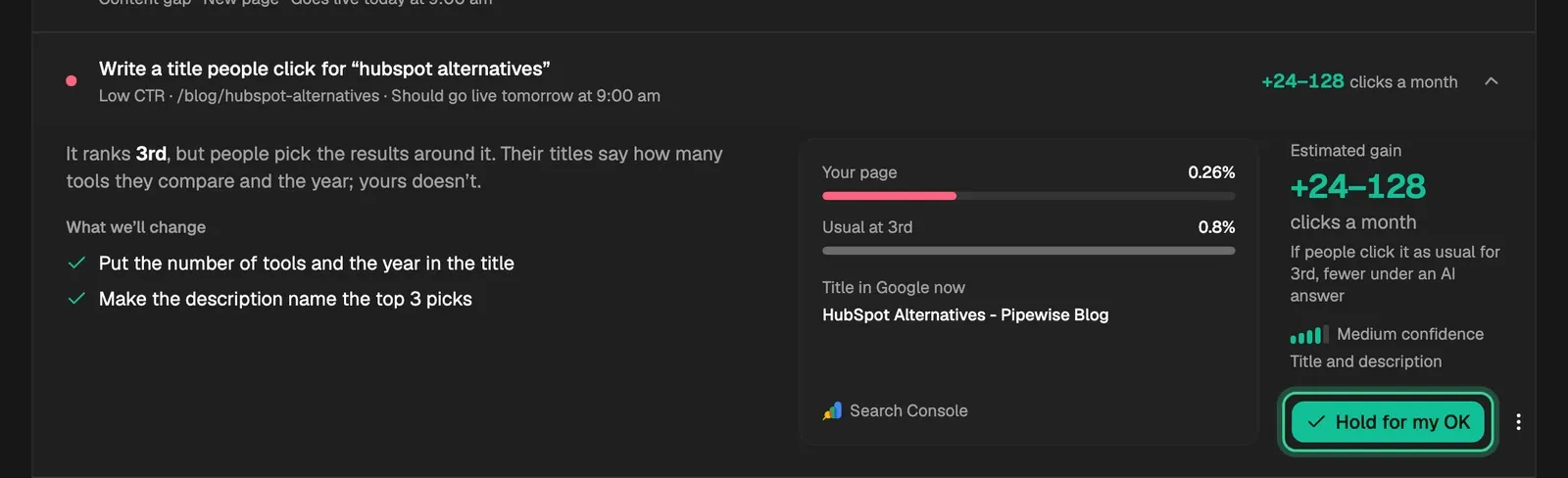
Hold for my OK
A card in Scheduled has Hold for my OK. It moves the card back to Needs your OK and keeps it there: even with autopilot on for that kind of change, a held card waits for you.
Do this next
Cards in Spotted are ones CitedSEO has found but not prepared yet, so they show the numbers but not the plan. CitedSEO prepares the best ones first. Do this next moves a card to the front, so it's prepared next.
If a card says nothing went live
When the work on a scheduled card can't finish, the card says so and stays in Scheduled with Try again, and Skip this one in its ⋮ menu. Nothing changed on your site. Try again puts it first in line for the next day's start.
The tabs
Related
Was this helpful?
Still need help? Share an idea