Choose what CitedSEO tells you, and where
Your report, the alerts you get and whether they reach you in Slack or Telegram as well as email. Everyone on your team picks their own.
Written By Damian
Last updated About 2 hours ago
You choose in Settings › Notifications: how often your report comes, what CitedSEO tells you as it happens, and whether it reaches you in Slack or Telegram as well as by email. These settings are yours alone, for the site you're on. Everyone on your team picks their own, and changing yours changes nothing for anyone else.
Change anything on the page, then press Save changes in the bar at the bottom. Discard puts it back as it was.
Your report
The report says what CitedSEO did and what it did for your site. It comes by email only.
- Weekly: Monday morning, covering the week before.
- Monthly: the first Monday of the month, covering the four weeks before.
- Off: no report email. Your reports stay in Reports in the app.
Under What's in it, tick the parts you want: What we shipped, What moved in Google, AI answers that cite you and What's next.
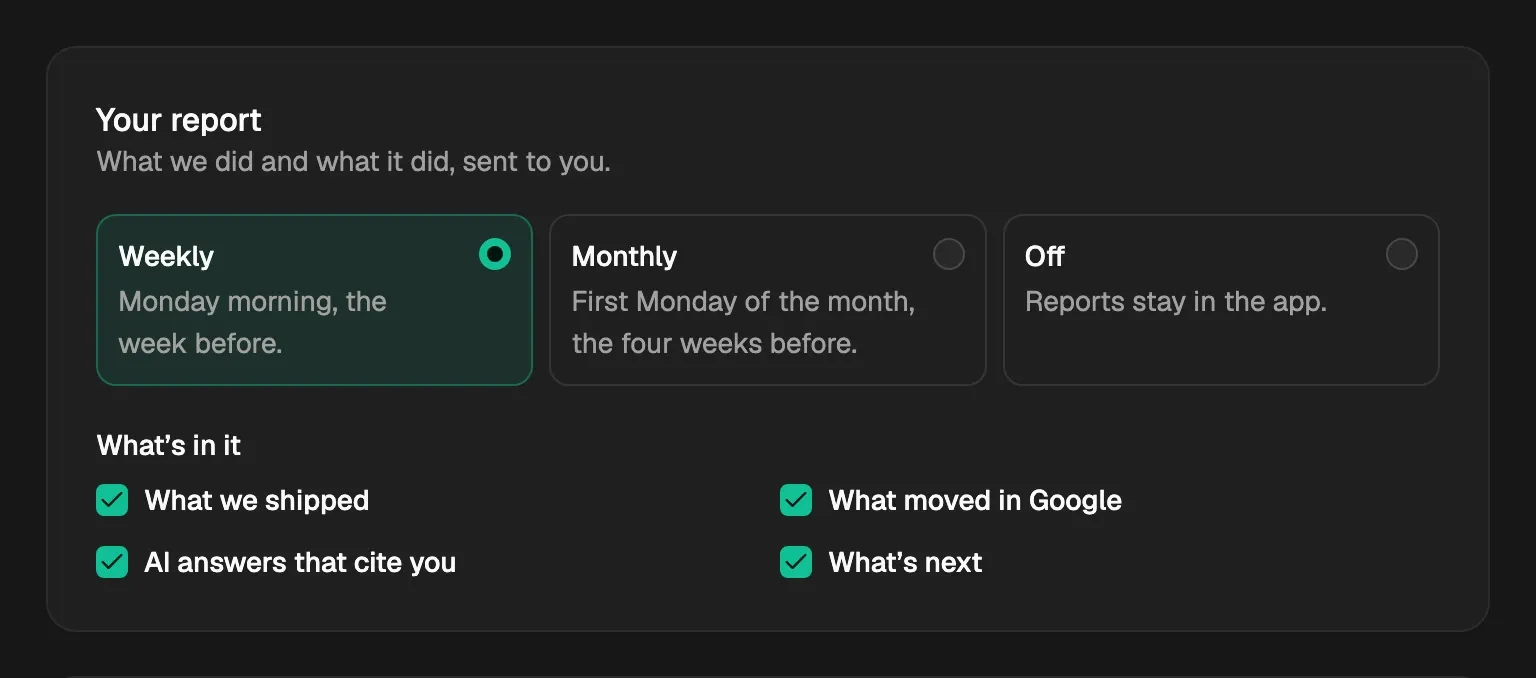
Every new person starts on a weekly report with every part ticked.
Where CitedSEO reaches you
Email always goes to the address you sign in with, so you can't turn it off. Slack and Telegram are extra places for the same messages.
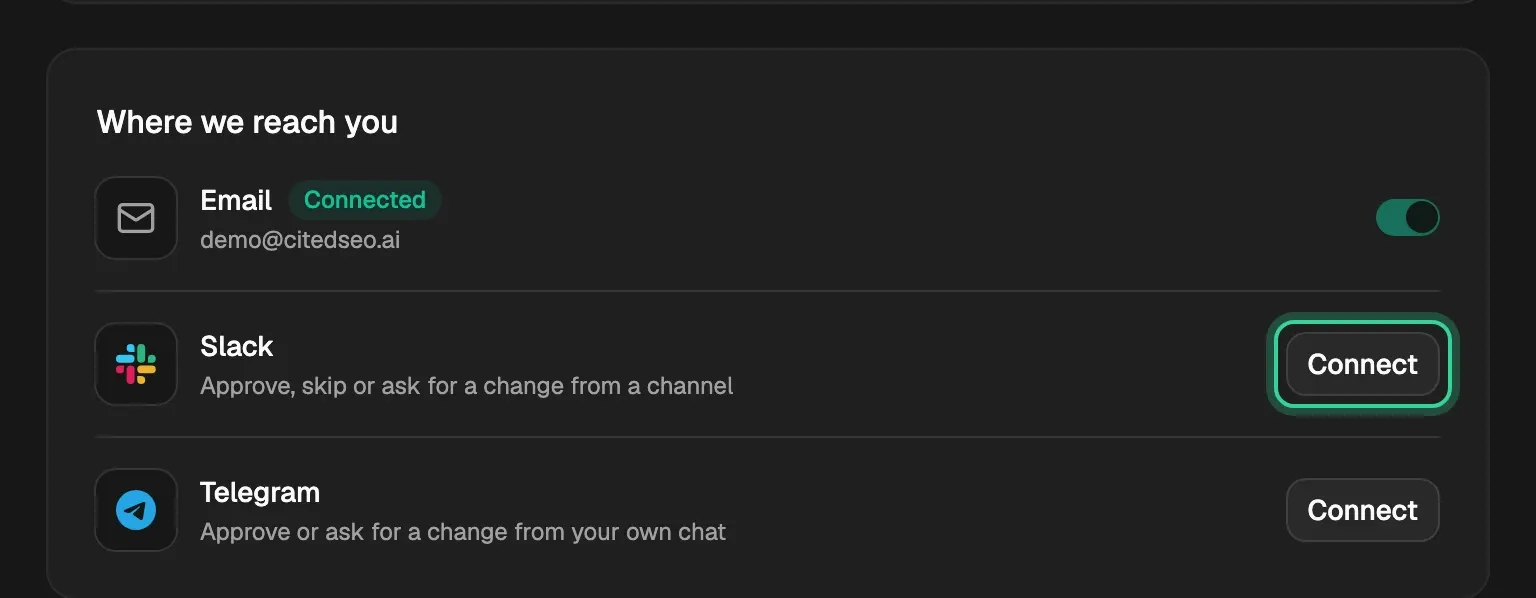
- Slack is connected once for the whole site, by anyone on the team. Connect takes you to Slack, where you add CitedSEO and pick the channel messages go to. Once it's connected, each person turns Slack on or off for themselves with its switch. Disconnecting Slack stops it for everyone on the site.
- Telegram is your own chat, and only you can connect it. Connect opens Telegram; press Start there to finish, then turn its switch on. Disconnecting it only stops your chat.
If Slack or Telegram stops taking messages, its row says so and shows Reconnect.
Tell me when
These go to every place above, as they happen:
- Something waits for your OK: only for kinds of change that don't ship on their own. When New articles is off in Autopilot, you're told each time a new article has been written, has passed its checks and is ready for your OK.
- Something needs fixing: something only you can sort out, like WordPress signing CitedSEO out. You're told once each time.
Both are on for every new person.
Approve without opening the app
A message about an article that's ready has an Approve it button, and you can ask for a change in your own words:
- Email: Approve it opens a page in CitedSEO that asks you to confirm before anything happens. Reply to the email to ask for a change.
- Slack: press Approve it, or Ask for a change to type what you want. You can also reply in the message's thread.
- Telegram: press Approve it, or reply to the message to ask for a change.
CitedSEO answers your reply, or the button you pressed in Slack or Telegram, in the same place, saying what it did. A change makes a new version of the article, which waits for your OK again.
Related
Was this helpful?
Still need help? Share an idea