Cancel, and get your money back
Cancel from Settings › Billing at any time. You have 60 days from your first payment to ask for a full refund.
Written By Damian
Last updated About 2 hours ago
Cancel in Settings › Billing with Cancel plan. Your plan runs to the end of the period you've paid for and you aren't charged again. If CitedSEO isn't for you, you have 60 days from your first payment to ask for a full refund, no questions asked: email support@citedseo.ai.
Cancel your plan
- Open Settings › Billing. Only owners and admins can see it.
- Under Cancel, press Cancel plan.
- CitedSEO asks why you're cancelling. Picking a reason is optional. Press Continue.
- Press Cancel plan to confirm.
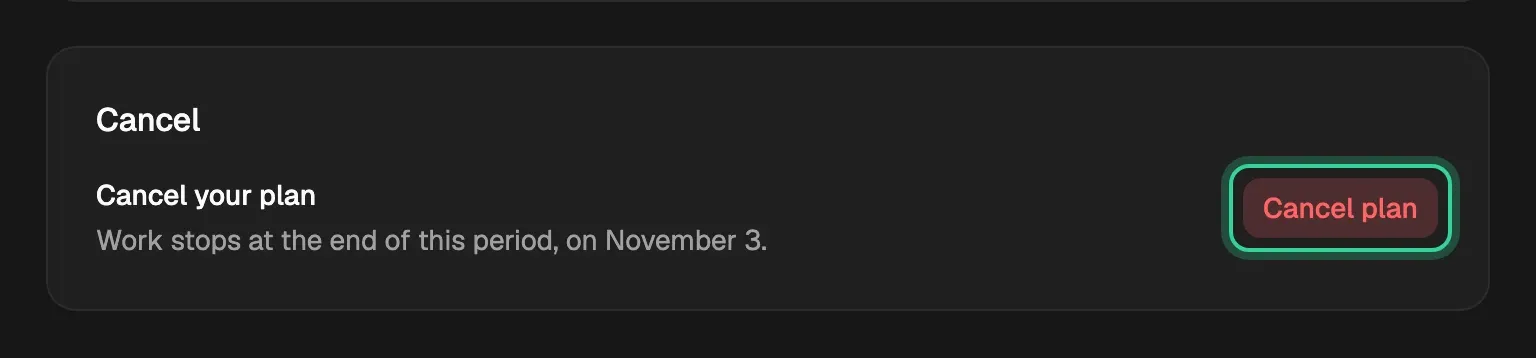
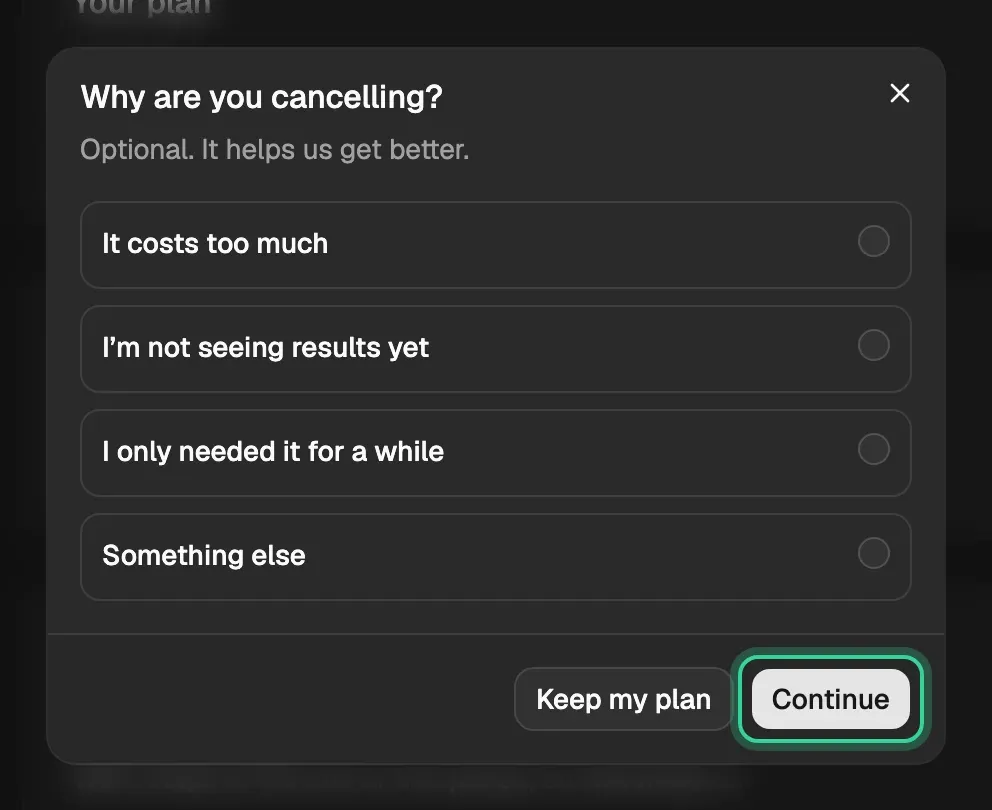
Your plan then shows "Your plan is set to end" with the date. Until that date, Keep my plan takes the cancellation back.
When your plan ends:
- You aren't charged again.
- Articles already on your sites stay there.
- Your history is kept if you come back.
Tip: To stop paying for one site but keep the others, pause or remove that site instead. See What you pay per site.
During your trial
Cancel plan isn't shown during your trial. If there's no card on your plan when your trial ends, it pauses and nothing is charged. If you added a card, the first charge is on the day your trial ends, and the money-back guarantee below covers it. See How the free trial works.
Get your money back
The money-back guarantee is 60 days from your first payment. Email support@citedseo.ai, or use Support at the bottom of the sidebar, and ask for a full refund. You don't have to give a reason.
After 60 days, payments aren't refundable, but you can still cancel and won't be charged again.
Related
Was this helpful?
Still need help? Share an idea