Change the questions CitedSEO asks
Swap any of your 25 questions for a suggestion or one of your own in Settings › AI visibility. A question you stop keeps its history.
Written By Damian
Last updated About 2 hours ago
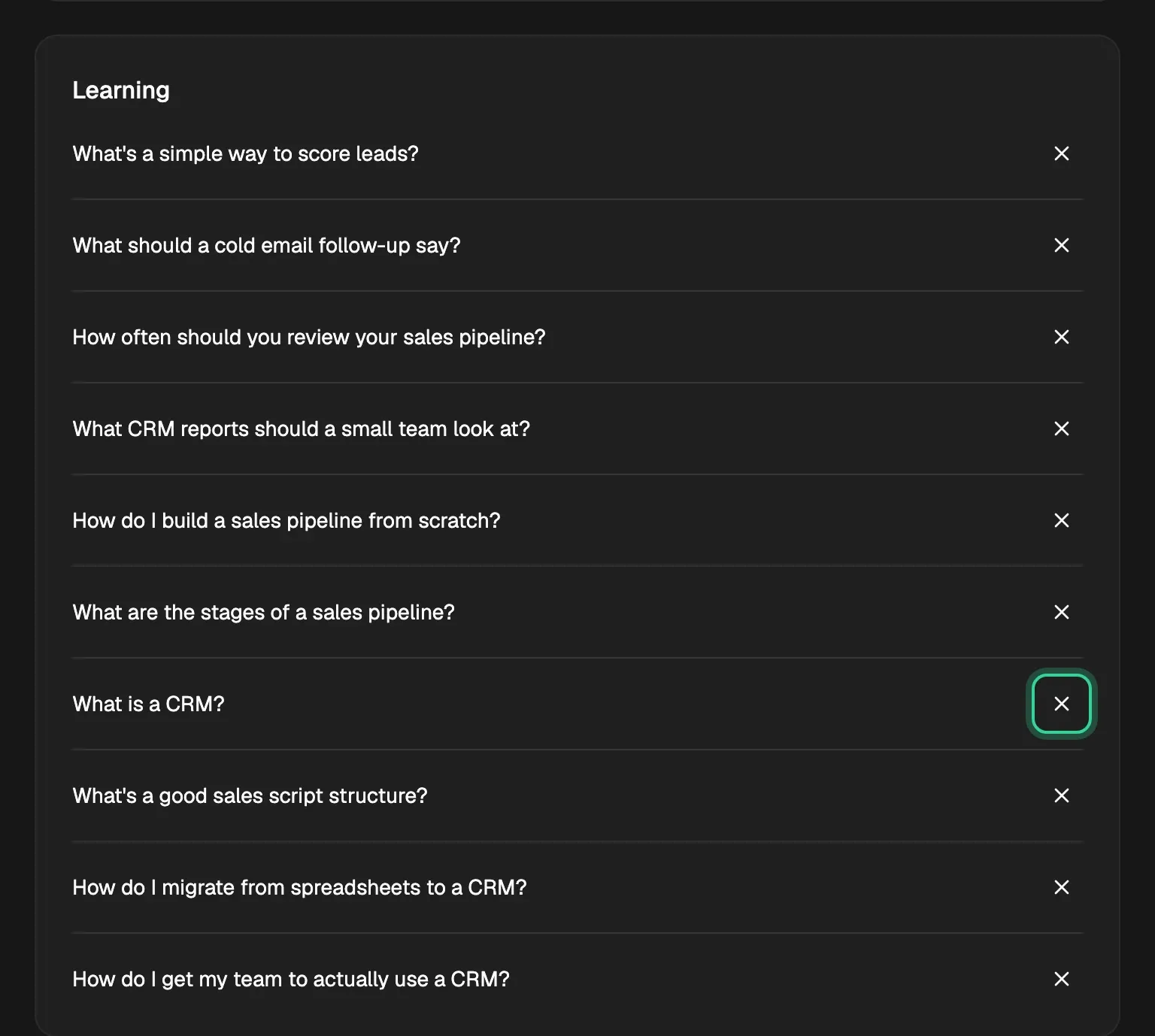
You change your questions in Settings › AI visibility, or with Manage questions at the top of AI visibility. Press × beside a question to stop asking it, add a suggestion with + or type your own, then press Save changes. A question you stop is never deleted: its answers stay, and asking it again later picks its history back up.
How many you can ask
You can ask up to 25 questions. The count at the top says how many you're using ("25 of 25 questions"). CitedSEO drafts all 25 when you add your site, so the list starts full: stop one to make room before you add another. Until you do, the box says "Remove one to add another".
Swap a question
- Press × beside the question you want to stop ("Stop asking. Its history is kept.").
- Under Suggested for you, press + beside one CitedSEO drafted for you, or type your own in Ask your own and press Add.
- Press Save changes. Discard puts the list back as it was.

Your questions are grouped by where the buyer is: Learning, Comparing and Choosing. A question you write yourself is put in a group from its wording, so "Is Pipedrive worth it for a small team?" goes under Choosing and "Best CRM for startups" under Comparing.
Writing your own
Write it the way someone would ask an assistant, in one line of up to 200 characters. A question already on your list isn't added twice, even with different capitals or punctuation ("What's the best CRM?" and "whats the best crm" are one question).
Questions that name your own site tell you little about whether assistants think of you. Questions about the problem you solve, the options people weigh, or you against a competitor show more.
When a new question is asked
Saving doesn't start a check. Each question you add is first asked at your site's next weekly check, which comes at your site's own hour, at least six days after the one before. AI visibility says when that is, above your questions ("next Fri, Oct 23"). Until then, the new question's assistants have no answer yet.
Asking a stopped question again
A question you stop leaves AI visibility, but CitedSEO keeps every answer it had. To ask it again, type it into Ask your own: it's matched to the old one, so its history carries on from where it stopped.
Related
Was this helpful?
Still need help? Share an idea